

Managing online accounts can become difficult very quickly. Most people use dozens of websites and apps for work, shopping, banking, entertainment, and communication. Each account needs a strong and unique password. Remembering all those passwords can feel impossible.
That is where password managers can help. They store your login details in a secure vault and allow you to create stronger passwords without memorizing everyone.
Choosing the best password manager depends on your needs, devices, budget, and preferred features. Some services focus on simplicity, while others offer advanced security options, family sharing, or business features. This guide explains what to look for when choosing a password manager and highlights several popular options worth researching.
What Is a Password Manager?
A password manager stores passwords and other sensitive login information inside an encrypted vault. Instead of remembering dozens of credentials, you typically remember one strong master password.
When you visit a website, the manager can help fill in your login information. Many services can also generate random passwords for new accounts.
This approach can make account security easier. You no longer need to reuse the same password simply because remembering multiple passwords feels inconvenient.
A good password manager can also help identify weak, reused, or compromised passwords. That gives you a practical way to improve your overall account security.
Password
Best password has become a popular choice for people who want a clean interface and strong security features. The service supports passwords, secure notes, payment information, and other sensitive data. It also provides tools that can help users organize information across multiple devices.
Families can use shared vaults to manage selected credentials together. Businesses can also use separate features designed for workplace account management.
One of its strengths involves organization. You can keep different types of information in separate categories instead of storing everything as a simple list of passwords. If you want a polished experience with useful organizational features, 1Password deserves consideration.
Bitwarden
Bitwarden attracts users who want an affordable password management solution with a strong focus on transparency. The platform supports password storage, password generation, secure sharing, and synchronization across supported devices. It also offers a free tier with core password-management functionality.
Another benefit comes from its open-source approach. Security researchers and members of the broader technology community can inspect publicly available portions of its code. Bitwarden can work particularly well for users who want essential password management without paying for a premium service immediately.
Dashlane
Dashlane focuses on making password management convenient for everyday users. It offers features such as password storage, password generation, and security monitoring. Its interface aims to make account management simple. You can use it to organize login information and create stronger credentials for new accounts.
Some plans also provide additional security and identity-related features. However, available features can vary between plans and change over time. Before subscribing, check the current pricing and feature list to determine whether it matches your requirements.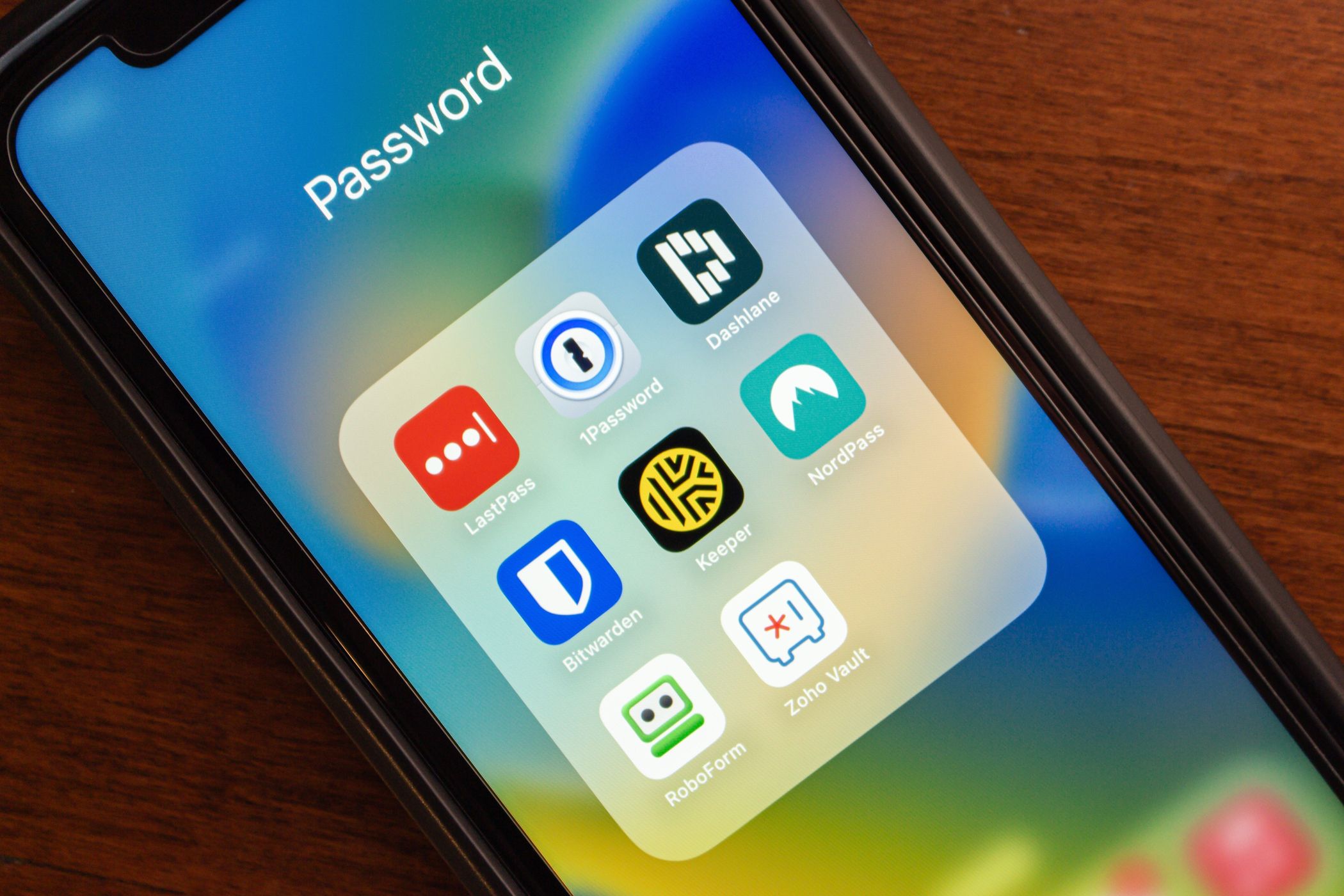
NordPass
NordPass provides another option for users who want to manage passwords across multiple devices. It can store login credentials, generate strong passwords, and help users organize sensitive information. Its interface also focuses on making everyday password management straightforward.
NordPass may appeal to people who already use other services from the same security-focused company. However, you should evaluate the password manager independently and compare its current features with competing services. Pay particular attention to synchronization, recovery options, authentication methods, and the features included with free and paid plans.
Proton Pass
Proton Pass comes from Proton, a company known for privacy-focused online services. The password manager allows users to store login credentials and other sensitive information. It also supports features designed to improve privacy and account security.
For people who already value privacy-focused technology, Proton Pass can be an interesting option. However, your decision should still depend on your actual needs. Consider the devices you use, the number of accounts you manage, and whether you need family or business features.
What Features Should You Seek in a Password Manager?
Choosing the best password manager involves more than comparing prices. Start with security. Look for a service that uses strong encryption and provides secure account recovery options. Multi-factor authentication adds another important layer of protection.
Next, consider compatibility. A password manager should work well with the devices and browsers you use every day. Ease of use matters too. If the interface feels confusing, you may stop using the service consistently. Also check whether the manager can generate strong passwords. This feature makes it easier to create unique credentials for every account. Secure sharing can also help families and teams. However, you should have control over exactly what information you share.
Free vs. Paid Password Managers
Many password managers provide free plans. These options can work well for users who need basic password storage and generation. However, free plans may limit the number of devices, storage options, sharing features, or other capabilities. Paid plans often add features for families, teams, advanced security monitoring, or additional storage. You don’t always require the priciest plan. Choose the service that provides the features you actually need. Before paying, review the current plan details carefully. Providers can change pricing and feature limits over time.
Why Unique Passwords Matter
A password manager becomes especially useful when you stop reusing passwords. Suppose you use the same password for five websites. If one website suffers a data breach and criminals obtain your password, they may attempt to use those credentials on your other accounts.
Unique passwords reduce that risk. Your email account deserves particular attention. If someone gains access to your email, they may use password-reset links to target other accounts. Create a unique, strong password for your email and protect it with multi-factor authentication.
How to Set Up a Password Manager
Getting started does not require much technical knowledge. First, choose a reputable service and create your account. Then create a strong master password that you can remember. Next, import or manually add your existing login credentials. Replace weak or reused passwords with randomly generated alternatives.
After that, install the manager’s browser extension and mobile application if you need them. Finally, enable multi-factor authentication on the password manager itself. This adds another barrier if someone discovers your master password. Take your time during setup. A careful configuration can make your long-term experience much easier.
Common Mistakes to Avoid
A password manager can improve security, but your habits still matter. Do not share your master password with anyone. Avoid saving it in an unsecured document or sending it through ordinary messaging services. Do not ignore security alerts. If your password manager reports a compromised credential, change that password promptly.
You should also keep your devices updated. Security updates can address vulnerabilities that attackers may exploit. Finally, review your account list occasionally. Delete credentials for services you no longer use when appropriate.
Final Thoughts
Finding the best password manager can make online security much easier. Instead of remembering dozens of complicated passwords, you can use one secure vault to organize your credentials and generate unique passwords. Services such as 1Password, Bitwarden, Dashlane, NordPass, and Proton Pass offer different approaches. Your ideal choice depends on your budget, devices, security preferences, and desired features.
Do not choose a service simply because it has the longest feature list. Focus on strong security, reliable synchronization, ease of use, and transparent pricing. Most importantly, use unique passwords and enable multi-factor authentication on important accounts. A good password manager can turn those security practices into simple everyday habits.