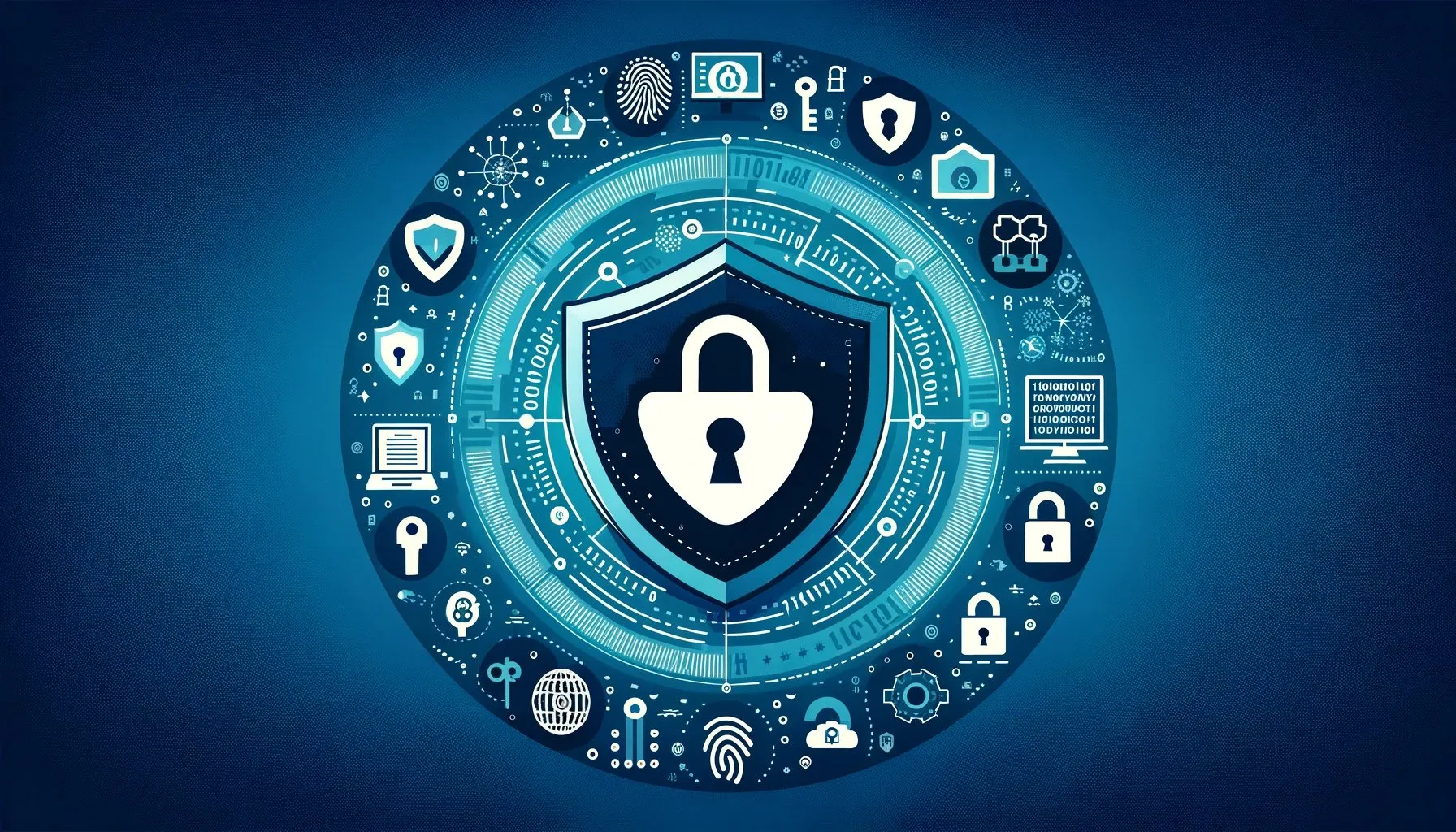
Data Online: How to Protect Your Personal Information Safely

data online

We share information online every day. We send messages, shop for products, manage bank accounts, use social media, and store important files in cloud services. These activities make life convenient, but they also create opportunities for scams, account theft, and privacy problems.

You do not need advanced technical skills to improve your online safety. Simple habits can reduce many common risks. Strong passwords, secure devices, careful browsing, and smart privacy settings can protect much of the information you use every day. If you want to keep your data online safer, start with a few practical steps. Then make those steps part of your regular digital routine.

Use Strong and Unique Passwords

Your password provides the first line of defense for most online accounts. Unfortunately, many people still use short passwords or repeat the same password across multiple services. That approach can create serious problems. If a criminal obtains one password, they may try it on your other accounts.

Instead, create a unique password for every important account. Make each password long and difficult to guess. Avoid personal details such as your name, birthday, address, or favorite team.

A password manager can make this process easier. It can generate strong passwords and store them securely. You only need to remember the password that unlocks the manager. Start with your email, banking, shopping, and social media accounts. These accounts often contain valuable personal information.

Enable Multi-Factor Authentication

A strong password helps, but you can add another layer of protection with multi-factor authentication. This security feature asks you to verify your identity through an additional method. Depending on the service, you might use an authentication app, security key, or verification code.

For example, someone might discover your password through a phishing attack. Without the second authentication factor, that person may still struggle to enter your account. Enable this feature wherever it is available, especially for accounts that contain financial or sensitive information.

Recognize Phishing Messages

Phishing remains one of the easiest ways for criminals to trick people into giving away information. A phishing message may look like it comes from a bank, delivery company, employer, friend, or popular online service.

The message may create urgency. It might claim that your account will close unless you act immediately. It may also ask you to click a link or provide a verification code. Slow down before taking action data online.

Check the sender’s address carefully. Look for unusual wording, unexpected attachments, or suspicious links. If a message asks for sensitive information, contact the organization through its official website or trusted phone number. Never assume that a familiar logo or professional-looking design proves that a message is genuine.

Keep Your Software Updated

Software updates often include security fixes. They can address weaknesses that attackers might otherwise exploit. Keep your operating system, browser, mobile apps, and security software updated. Turn on automatic updates when appropriate.

You should also remove applications that you no longer use. Unnecessary software can increase your digital exposure without providing any real benefit. Before downloading an unfamiliar application, check its source. Use official app stores and reputable websites whenever possible.

Protect Your Home Wi-Fi

Your home router connects many devices to the internet. That makes it an important part of your security setup. Change the router’s default administrator password. Create a strong Wi-Fi password as well. Use the strongest wireless security standard supported by your router.

You should also check whether your router needs a firmware update. Manufacturers sometimes release updates that improve security and fix vulnerabilities. If your router offers a guest network, consider using it for visitors. You can also use it for certain smart-home devices that do not need access to your main network.

Be Careful With Public Wi-Fi

Public Wi-Fi can help when you need internet access away from home. However, you should not automatically trust every network you see. Avoid entering highly sensitive information on unfamiliar networks. For important financial or account-related activities, your mobile connection may provide a better option.

Always check that websites use secure connections before entering information. When you finish using public Wi-Fi, disconnect from the network. Also, disable automatic connection to unfamiliar Wi-Fi networks. This simple setting can prevent your device from joining networks without your knowledge.

70+ Tips to Protect Your Online Privacy - Gadget Insiders

Review Privacy Settings

Social media platforms and other online services collect different types of information. Privacy settings can help you control what you share and who can access it. Review these settings regularly. Limit public access to personal details such as your phone number, home address, birthday, and location.

Think carefully before posting information about your daily routine. Even small details can reveal more than you intended. You should also review the applications connected to your accounts. Remove access for services you no longer use.

Limit the Information You Share

Not every website needs every detail about you. When a website asks for personal information, consider whether the request makes sense. Avoid providing sensitive details simply because a form includes an optional field.

Be especially careful with identification numbers, financial information, passwords, and account recovery details. You should also avoid sharing sensitive information through ordinary email or messages unless you understand the security involved. The less unnecessary information you provide, the less information criminals can potentially misuse.

Back Up Important Files

Online safety also involves protecting your files from loss. Malware, ransomware, hardware problems, accidental deletion, and other incidents can make important documents unavailable. Create regular backups of photographs, work documents, school projects, and other valuable files by data online.

You can use a trusted cloud storage service or an external storage device. For particularly important information, consider keeping more than one backup. Check your backups occasionally. A backup only helps when you can actually restore the files you need.

Watch Your Accounts for Suspicious Activity

Regular account checks can help you notice problems early. Look for unfamiliar purchases, password changes, login alerts, or devices you do not recognize. Many online services provide security dashboards that show recent activity.

If you notice something suspicious, change the affected password immediately. Sign out of unfamiliar devices and follow the service’s account recovery or security instructions. You should also contact your bank quickly if you notice an unauthorized financial transaction. Quick action can limit the damage.

Secure Your Mobile Devices

Your phone probably contains a large amount of personal information. Emails, photographs, messages, contacts, financial applications, and authentication codes may all sit on one device. Use a strong screen lock and enable biometric protection when appropriate. Keep your phone’s operating system and applications updated.

Review app permissions regularly. An application may request access to your camera, microphone, contacts, location, or files. Ask whether that access matches the application’s purpose. Remove apps you no longer need.

Think Before You Click

Good digital security often starts with one simple habit: pause before you act. An unexpected message may contain a dangerous link. A social media post may lead to a fake website. A seemingly attractive offer may exist only to collect your information.

When something feels urgent or unusually good, investigate before responding. Do not let fear or excitement make the decision for you. Take a moment, verify the source, and then decide what to do.

Final Thoughts

Protecting your data online does not require complicated technology. You can make a meaningful difference by using strong passwords, enabling multi-factor authentication, updating software, securing your Wi-Fi, and reviewing privacy settings.

You should also remain careful with emails, messages, public networks, and unfamiliar websites. Regular backups and account checks provide additional protection when something goes wrong.

Most importantly, make security a habit rather than a one-time task. Technology changes, and online threats change with it. By staying alert and learning basic security practices, you can reduce common risks and enjoy the internet with greater confidence.

Author

Total
0
Shares
Related Posts