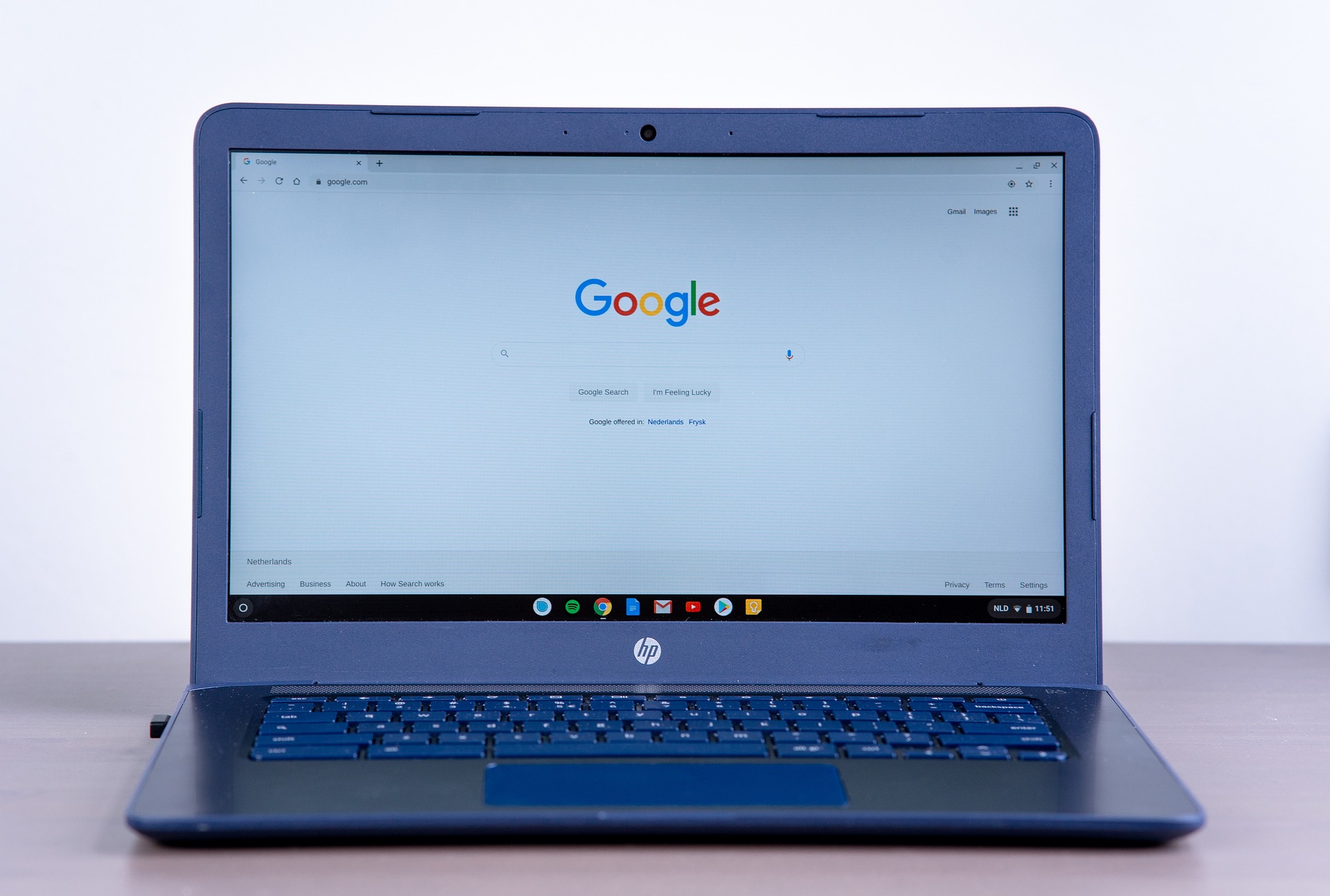
Remote work has transformed the way businesses operate around the world. Companies no longer rely solely on physical offices because employees can now collaborate effectively from different cities, countries, or even continents. This shift has increased flexibility, improved work-life balance, and allowed organizations to hire talented professionals regardless of location. However, successful remote work depends on having the right technology in place.
Modern remote work technology tools help teams communicate, share files, manage projects, and stay productive from anywhere with an internet connection. These solutions reduce communication gaps while keeping employees connected throughout the workday. Whether you manage a small business, a growing startup, or a large enterprise, choosing the right technology tools can significantly improve collaboration, efficiency, and overall business performance.
Why Remote Work Technology Matters
Working remotely introduces unique challenges that traditional office environments do not always face. Employees need reliable ways to communicate, access documents, track tasks, and participate in meetings without being physically present. Without the proper tools, teams may experience delays, confusion, and reduced productivity.
Remote work technology creates a centralized digital workspace where employees can collaborate in real time. Team members stay informed about project updates, share important information quickly, and work together efficiently despite being in different locations. As a result, businesses maintain productivity while supporting flexible work arrangements.
Communication Tools
Video Conferencing Platforms
Face-to-face communication remains important even when employees work remotely. Video conferencing platforms allow teams to hold meetings, conduct interviews, deliver presentations, and collaborate visually from anywhere. High-quality video and audio improve engagement while making discussions more productive.
Many video meeting platforms also support screen sharing, meeting recordings, virtual backgrounds, and live captions. These features enhance communication while helping participants stay focused during discussions. Regular virtual meetings also strengthen team relationships and maintain workplace collaboration.
Team Messaging Applications
Instant messaging tools have become essential for remote teams because they enable fast communication without relying entirely on email. Employees can ask quick questions, share updates, organize conversations into channels, and exchange files instantly. This reduces delays while improving daily collaboration.
Many messaging platforms integrate with project management software, calendars, and cloud storage services. These integrations create a connected digital workspace where employees can access everything they need from a single interface.
Project Management Tools
Managing projects remotely requires clear organization and visibility. Project management platforms allow teams to assign tasks, monitor progress, establish deadlines, and coordinate responsibilities across multiple departments. Employees understand their priorities while managers track overall project performance in real time.
These platforms also support workflow automation, recurring tasks, and progress reporting. By centralizing project information, businesses reduce confusion and improve accountability throughout every stage of a project.

Cloud Storage and File Sharing
Secure Access to Documents
Cloud storage has become one of the most important technologies supporting remote work. Employees can securely access files, presentations, reports, and spreadsheets from virtually any location. Instead of emailing multiple document versions, teams collaborate using shared files stored in the cloud.
Automatic synchronization ensures everyone works with the latest version of each document. This reduces errors caused by outdated information while improving collaboration across different departments and locations.
Backup and Data Protection
Cloud storage platforms also improve business continuity by automatically backing up important files. If a computer fails or an employee accidentally deletes information, businesses can recover documents quickly without significant disruption. Reliable backup systems protect valuable business data while reducing the risk of permanent information loss.
Collaboration Platforms
Remote teams often collaborate on documents, presentations, and spreadsheets simultaneously. Modern collaboration platforms allow multiple users to edit files in real time while tracking changes automatically. Employees can leave comments, suggest revisions, and review updates without creating duplicate versions.
These collaborative workspaces improve teamwork because everyone stays aligned on project progress. Instead of exchanging countless email attachments, teams work together within a single shared environment that supports faster decision-making and better communication.
Time Management and Productivity Tools
Managing time effectively becomes even more important in remote work environments. Productivity tools help employees organize daily schedules, prioritize important tasks, and monitor deadlines. Many applications also include reminders, calendars, and focus timers that encourage better work habits.
Some platforms provide analytics showing how time is spent throughout the day. These insights help employees identify distractions, improve efficiency, and maintain a healthier work routine. Better time management ultimately benefits both employees and employers.
Cybersecurity Tools for Remote Work
Remote work increases the importance of cybersecurity because employees often access company systems from different networks and devices. Businesses should implement security tools such as virtual private networks, multi-factor authentication, endpoint protection, and encrypted communication platforms to safeguard sensitive information.
Regular software updates, strong password policies, and employee security training also reduce cybersecurity risks. Protecting company data remains essential for maintaining customer trust and ensuring uninterrupted business operations.
AI-Powered Productivity Tools
Artificial intelligence continues transforming remote work by automating repetitive administrative tasks. AI assistants help schedule meetings, summarize discussions, generate reports, organize notes, and draft professional emails. These capabilities allow employees to spend more time on strategic and creative responsibilities.
AI-powered tools also analyze workflows and suggest ways to improve productivity. By reducing manual work, businesses increase efficiency while helping employees focus on higher-value activities that require human expertise.
Choosing the Right Remote Work Technology
Selecting the best technology depends on your organization’s size, workflow, and communication style. Small businesses may prioritize affordability and simplicity, while larger organizations often require advanced security, automation, and integration capabilities. Understanding your team’s daily challenges helps identify the most suitable solutions.
Businesses should also consider scalability, customer support, ease of use, and compatibility with existing software before making technology investments. Testing free trials allows employees to evaluate different platforms and provide valuable feedback before company-wide implementation.
Best Practices for Remote Teams
Technology alone cannot guarantee successful remote work. Organizations should establish clear communication guidelines, define project expectations, schedule regular check-ins, and encourage transparency across the team. Consistent communication reduces misunderstandings while strengthening collaboration.
Providing employees with proper training also improves technology adoption. When team members understand how to use remote work tools effectively, they become more productive and confident in their daily responsibilities. Combining reliable technology with well-defined processes creates a strong foundation for long-term remote work success.
Future of Remote Work Technology
Remote work technology continues evolving as businesses adopt more intelligent and connected digital solutions. Artificial intelligence, workflow automation, virtual collaboration, and cloud-based services will play even greater roles in supporting distributed teams. Companies will continue investing in technologies that improve communication, strengthen security, and streamline business operations.
As hybrid work models become increasingly common, organizations that embrace modern collaboration tools will remain more competitive and adaptable. Investing in the right technology today prepares businesses for a more flexible and productive future.
Conclusion
Modern remote work technology tools enable businesses to communicate effectively, manage projects efficiently, protect sensitive data, and support productive collaboration across distributed teams. From video conferencing and cloud storage to project management platforms, AI assistants, and cybersecurity solutions, these technologies have become essential components of today’s workplace.
The future of work will continue emphasizing flexibility, digital collaboration, and intelligent automation. By choosing the right remote work tools and implementing effective workflows, businesses can improve productivity, strengthen teamwork, and create a successful remote work environment that supports long-term growth.